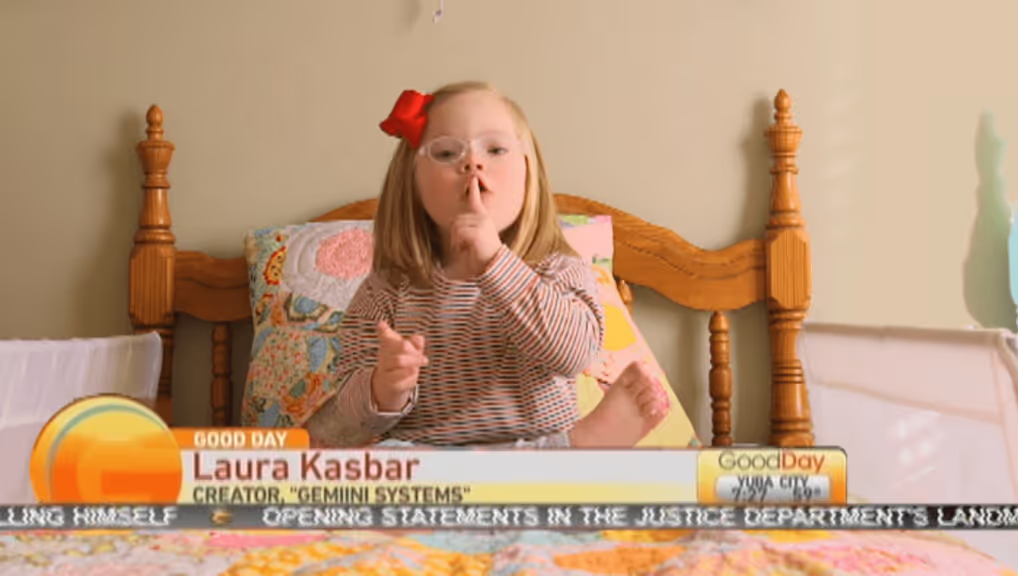
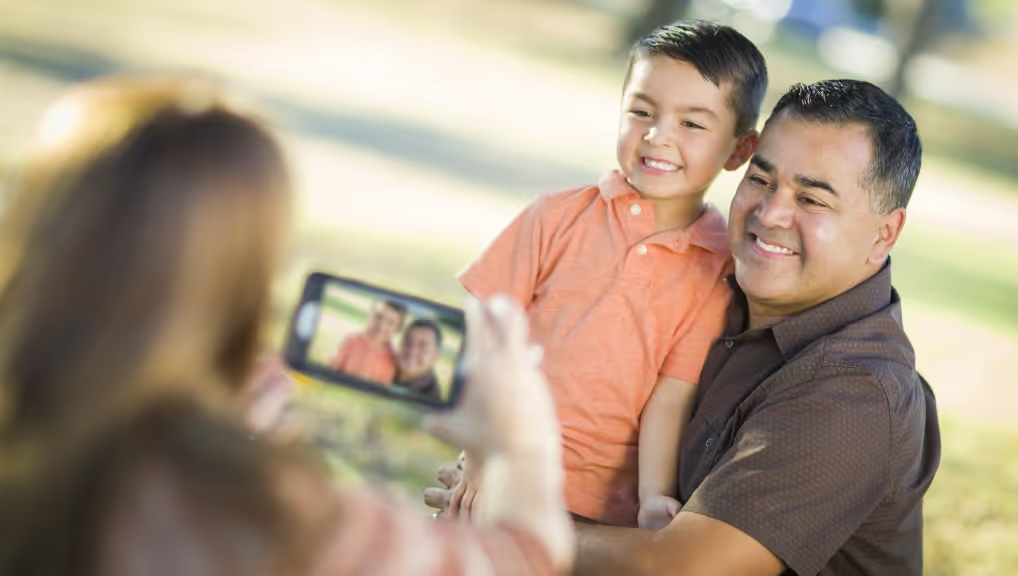
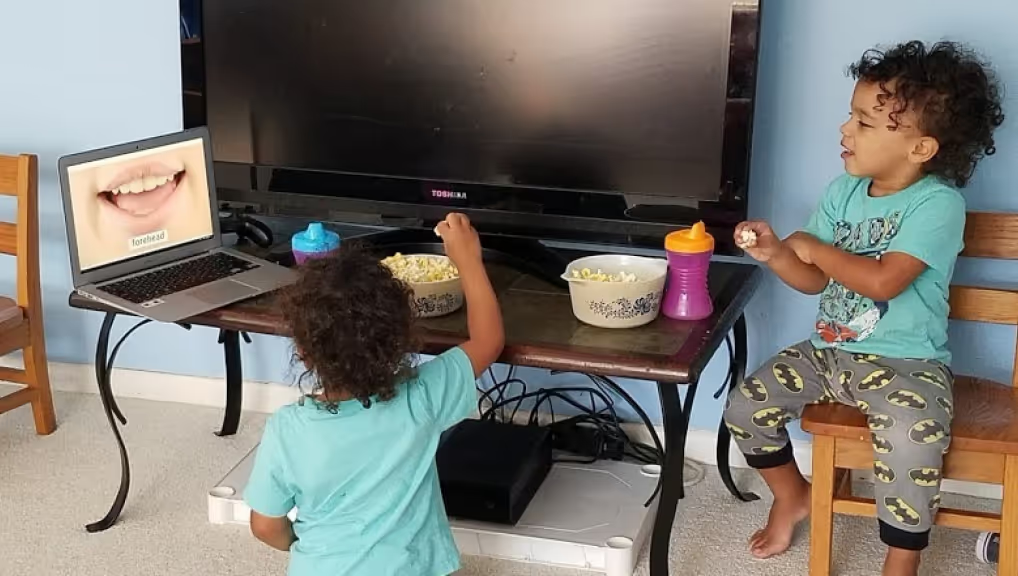
This week's article presents a detailed guide to using your own personal video clips with Gemiini. It covers each step in the process of filming clips, uploading clips from your computer to your Gemiini account, and using these clips in custom Gemiini videos. It explores some of the reasons you might want to upload personal clips and provides a few examples of teaching objectives for which you may consider using personal cilps with your child.
Our film team has uploaded a new set of image words that use sounds and images to generalize the names of musical instruments. We've also added a small batch of live action clips teaching words for basic soccer actions such as kick, dribble, score, and save.
This week we are taking a short break from adding clips to our library as our film team edits a few larger projects that are not quite ready to go on the site. This kind of pause is a great opportunity for me to answer questions and share tips on getting the most out of Gemiini.
As a mom of two children with special needs, I often hear these questions: What can I do to help my child’s speech delay at home? How can I speed up my child’s progress?